✍️
Full Markdown rendering
Headings, bold, italic, code, quotes, lists, task lists, links, images, and GitHub‑flavored tables — all cleanly typeset.
 Markdown Preview
macOS · Swift & SwiftUI · No dependencies
A calm, local‑first, read‑only Markdown viewer for macOS.
Open a .md file and simply read — clean typography, ten
themes, and total privacy.
Requires macOS 14 or newer · Universal · Works fully offline
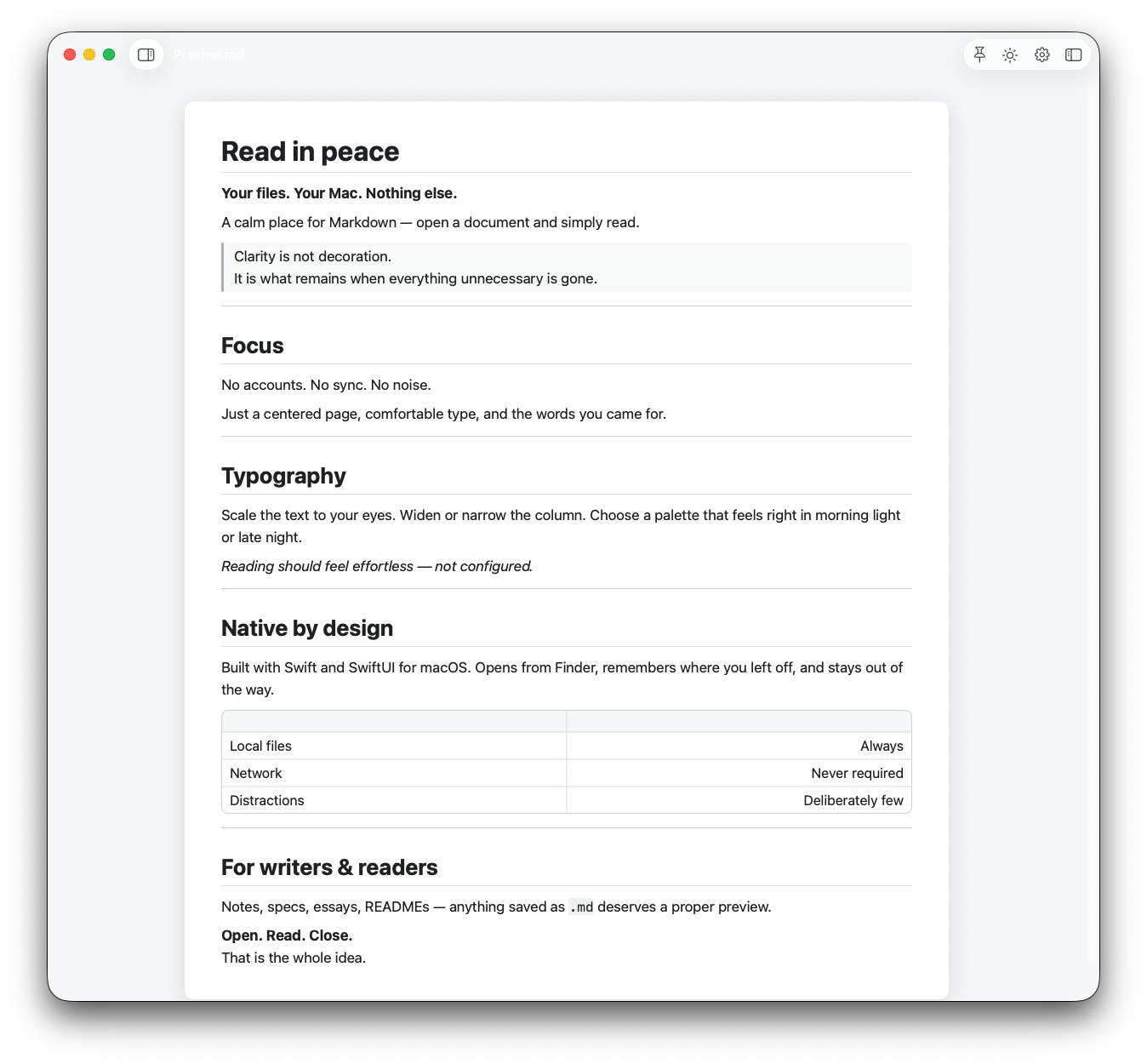
Headings, bold, italic, code, quotes, lists, task lists, links, images, and GitHub‑flavored tables — all cleanly typeset.
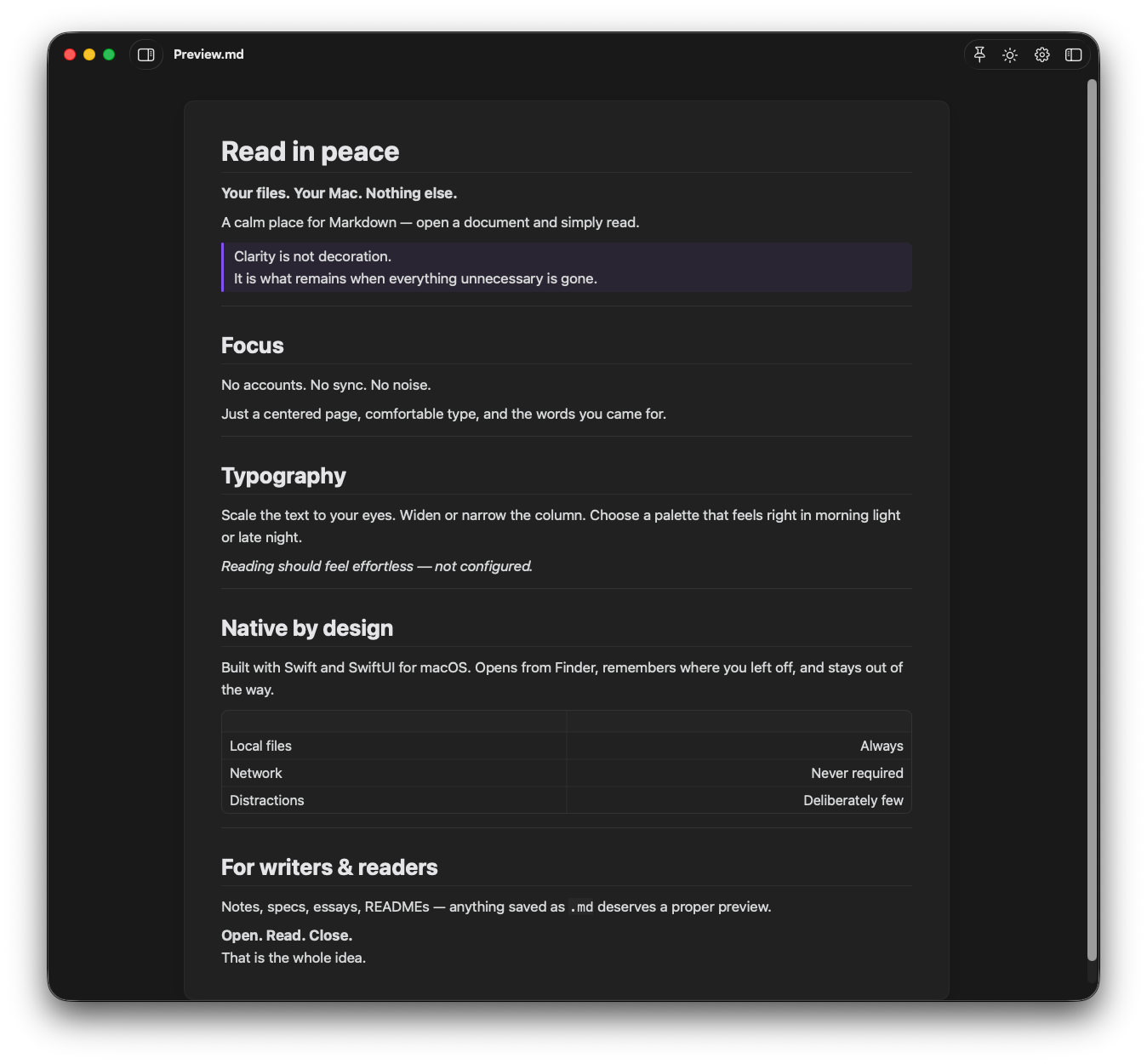
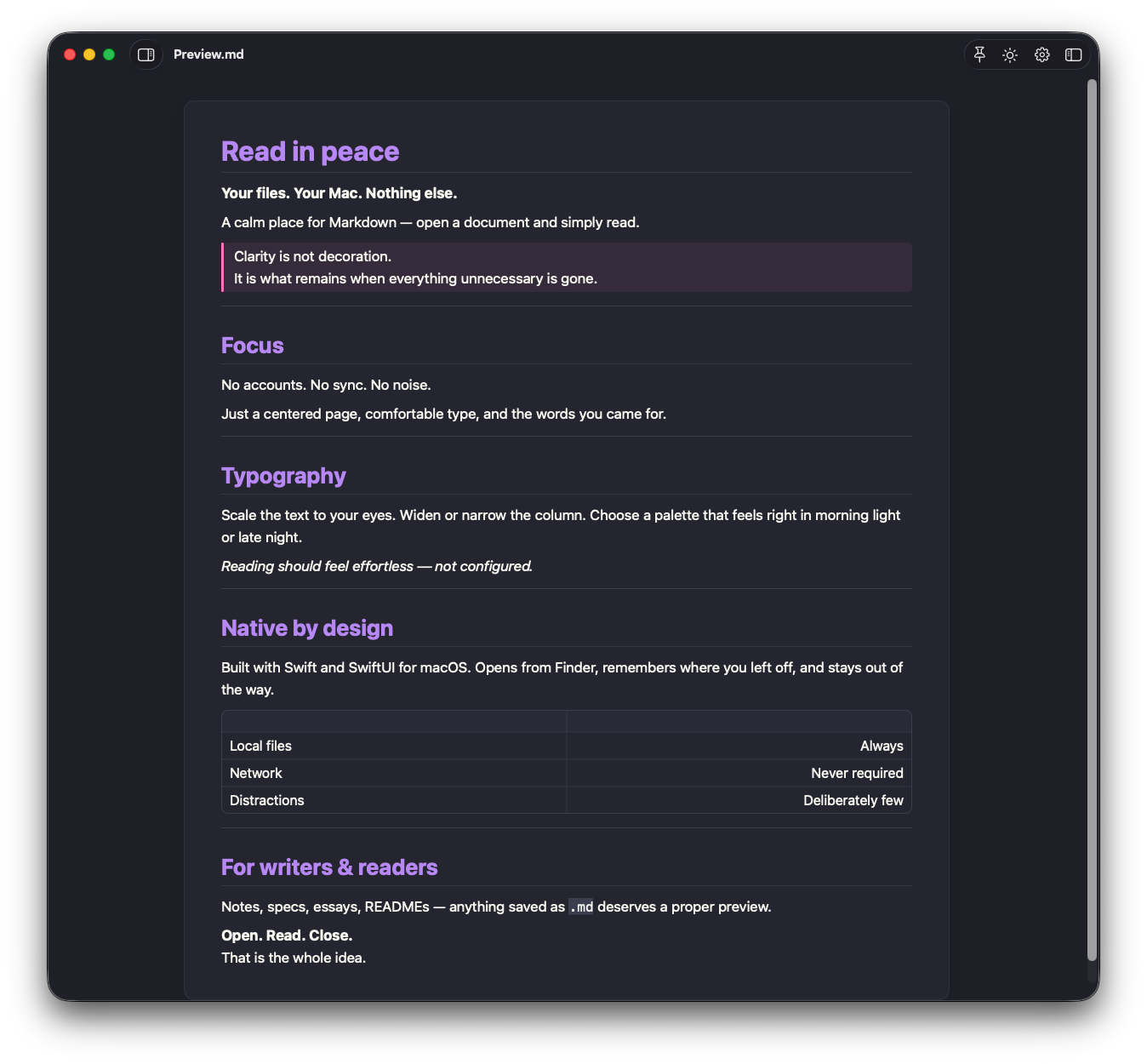
System, Obsidian, GitHub, Solarized, Nord, Dracula, Gruvbox, Sepia, and High Contrast, with a one‑tap light/dark toggle.
Adjust text size, line spacing, and content width until reading feels effortless.
Double‑click, drag‑and‑drop, or “Open With”. Pinned and recent files are always a click away.
Scroll position is restored per document, and files reload automatically when they change on disk.
No accounts, no sync, no analytics, no network. Your files never leave your Mac.
Pick a palette that feels right in morning light or late at night — from the muted warmth of Sepia to the deep focus of Obsidian.
Markdown Preview works completely offline and collects no data whatsoever. There’s no tracking, no accounts, and no network access. It’s a viewer — it opens your document and gets out of the way.
Read the full privacy policy →Questions? Visit support or email coreembeddedapps@gmail.com.
Free, native, and private. Made for macOS 14 and newer.
Download on the Mac App Store